Pi Server Home Lab
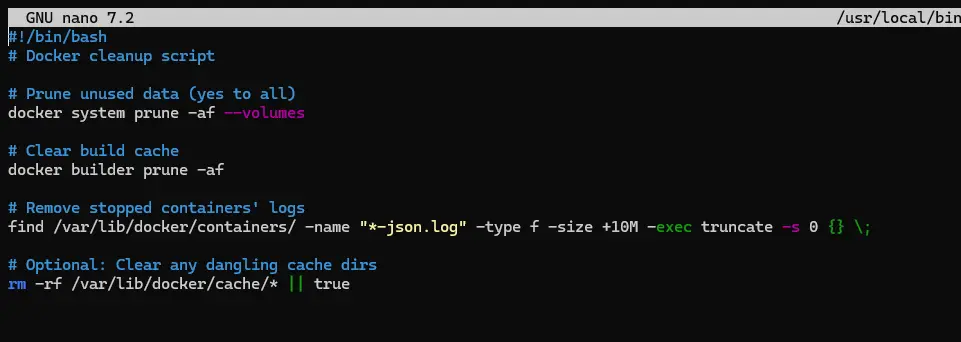
Note: This project was developed with assistance from AI tools. See the summary of services below. Any info that may harm security has been removed. Some scripts screenshots may be unavailable due to size of script.
This server was developed with the assistance of Chat GPT to help write scripts and execute commands. Most of the setup was completed via SSH on a Windows 11 PC. I reviewed each script to understand its function, planned the server layout, and worked through any issues that arose. I chose the Raspberry Pi 5 8GB despite its high price due to its power efficiency and compact form factor. The most challenging part was getting the NVMe drive recognized by the OS and resolving compatibility issues with the NVMe setup.
Ai Summary -NotebookLM
The Pi Server Home Lab is an ongoing, power-efficient home server project built on a Raspberry Pi 5 8GB to host a variety of versatile services, utilizing a hardware stack costing approximately £134 to £145. The server infrastructure, running Raspberry Pi OS Lite 64bit, was strategically designed to maximize component longevity by operating the OS from a USB stick while dedicating the 256GB NVME SSD for logs, cache, and other data. Core services, mostly managed via Docker containers, include a Jellyfin media server, a Minecraft Bedrock server, and a Tiny Llama AI chat-bot, which was optimized using LLama.cpp for 4bit quantization to remain within strict RAM limits. Security and infrastructure management are handled through a Wireguard VPN for secure external access, Caddy as a reverse proxy ensuring HTTPS for services, and automated maintenance via Watchtower and custom scripts. The project involved extensive problem-solving over approximately 54 hours of setup, including integrating AI tools like Chat GPT to assist with coding and script execution.
Items Used
- Raspberry Pi 5 8GB (~£77)
- Miuzei Raspberry Pi 5 Metal Case (~11.99)
- Geekworm X1001 NVMe Shield (~£15)
- Patriot P300 256GB NVMe (~£20)
- SanDisk Ultra 32GB USB (2013) – owned
- MSI GE65 Raider laptop – owned
Physical setup
Took ~1hr; had some trouble applying the thermal pads as they kept falling off. The case design meant the ribbon cable was upside down, so I used the NVMe standoffs to hold the drive inverted above the stand.
Services
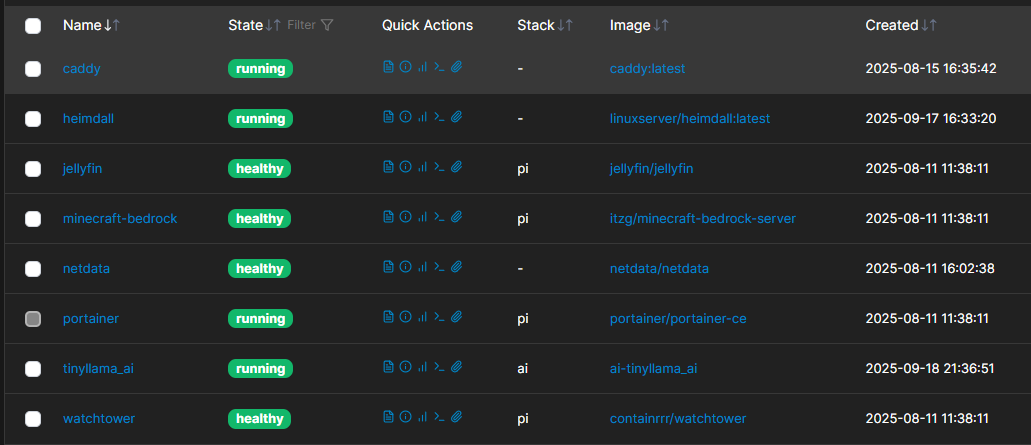
- Jellyfin (Media server)
- Minecraft Bedrock Server
- AI Chatbot (Docker + LLaMA.cpp)
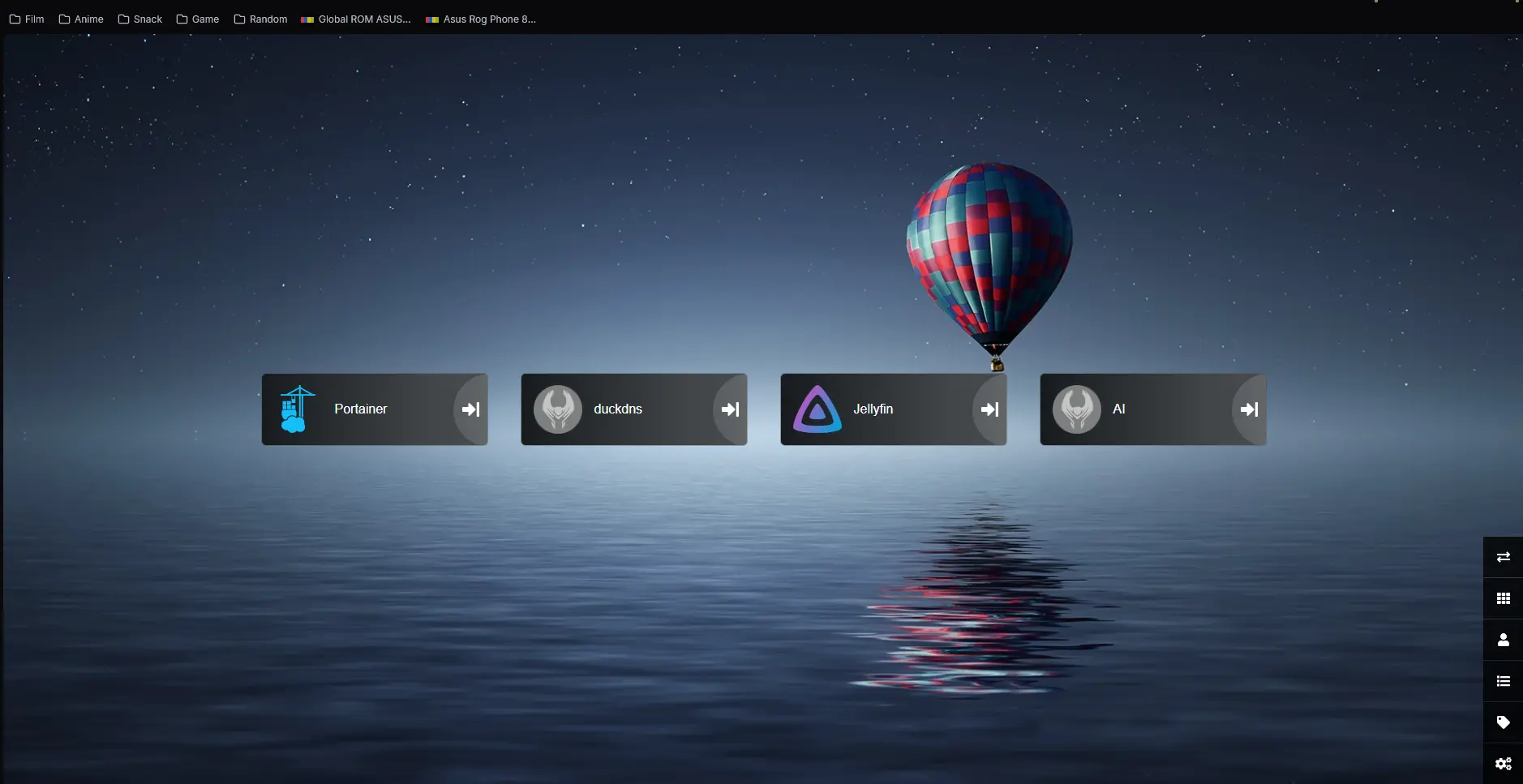
- Heimdall (Web UI Dashboard)
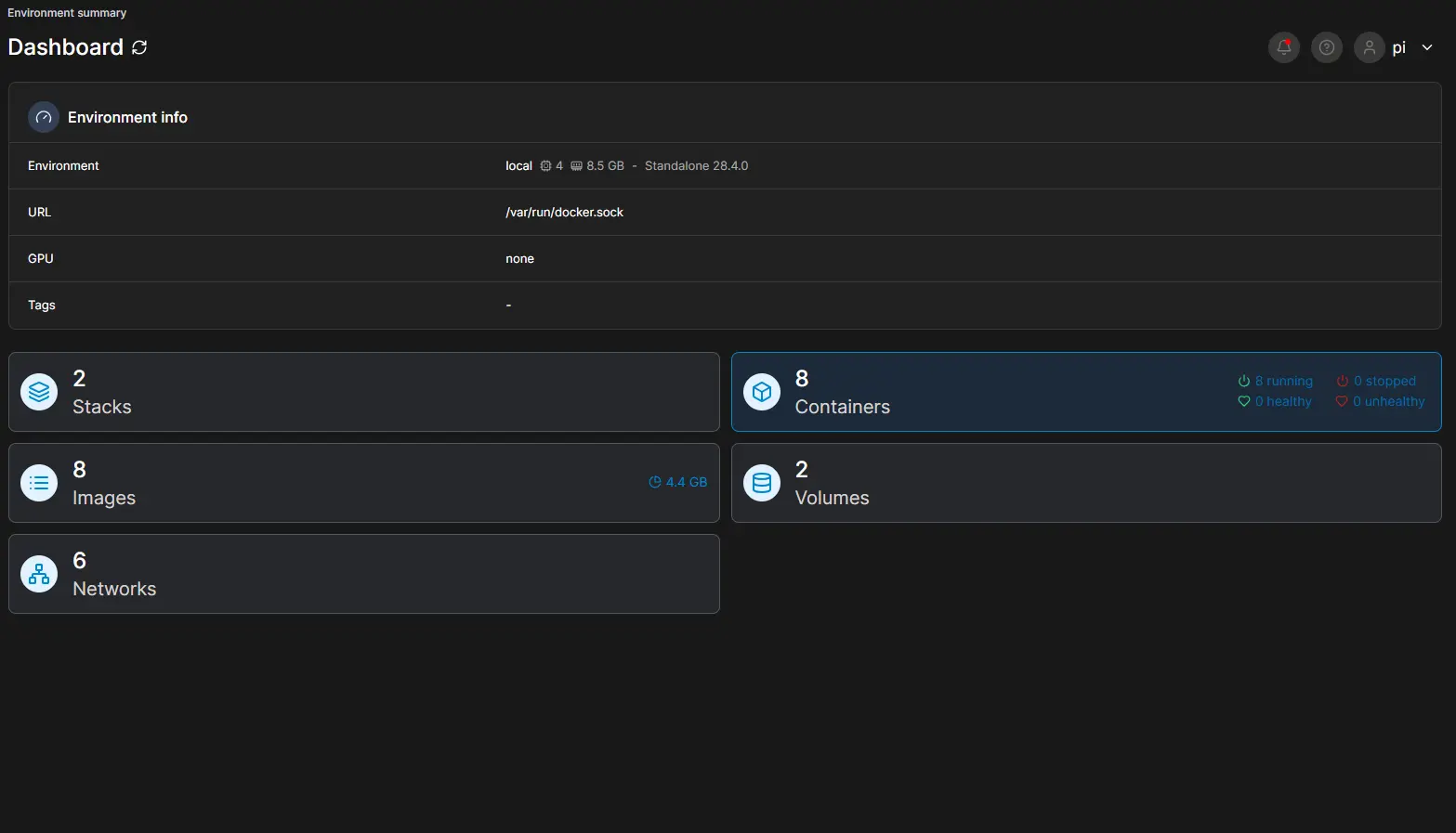
- Portainer (Container Management)
- Watchtower (Auto Updates)
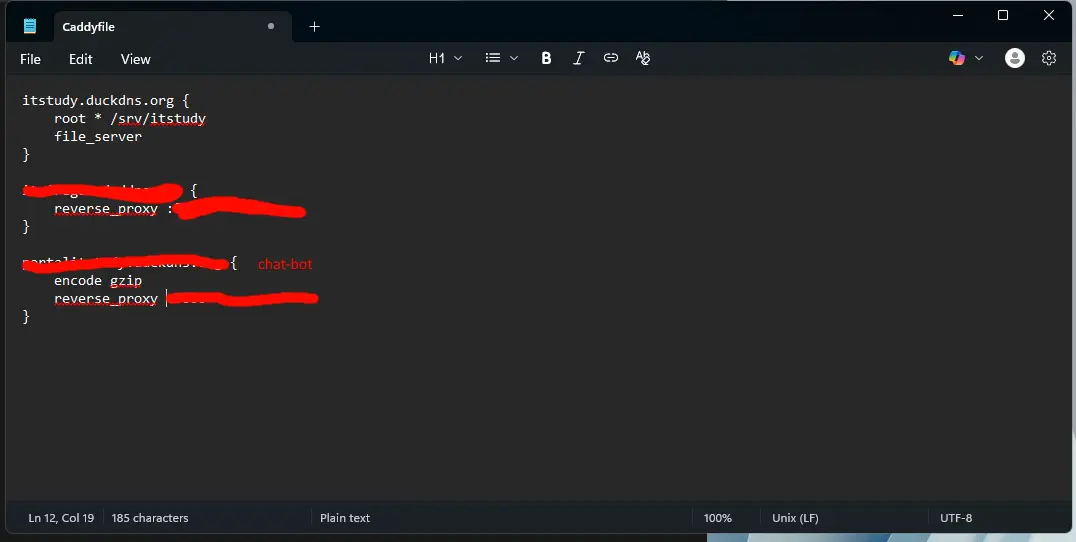
- Caddy (Reverse Proxy with HTTPS)
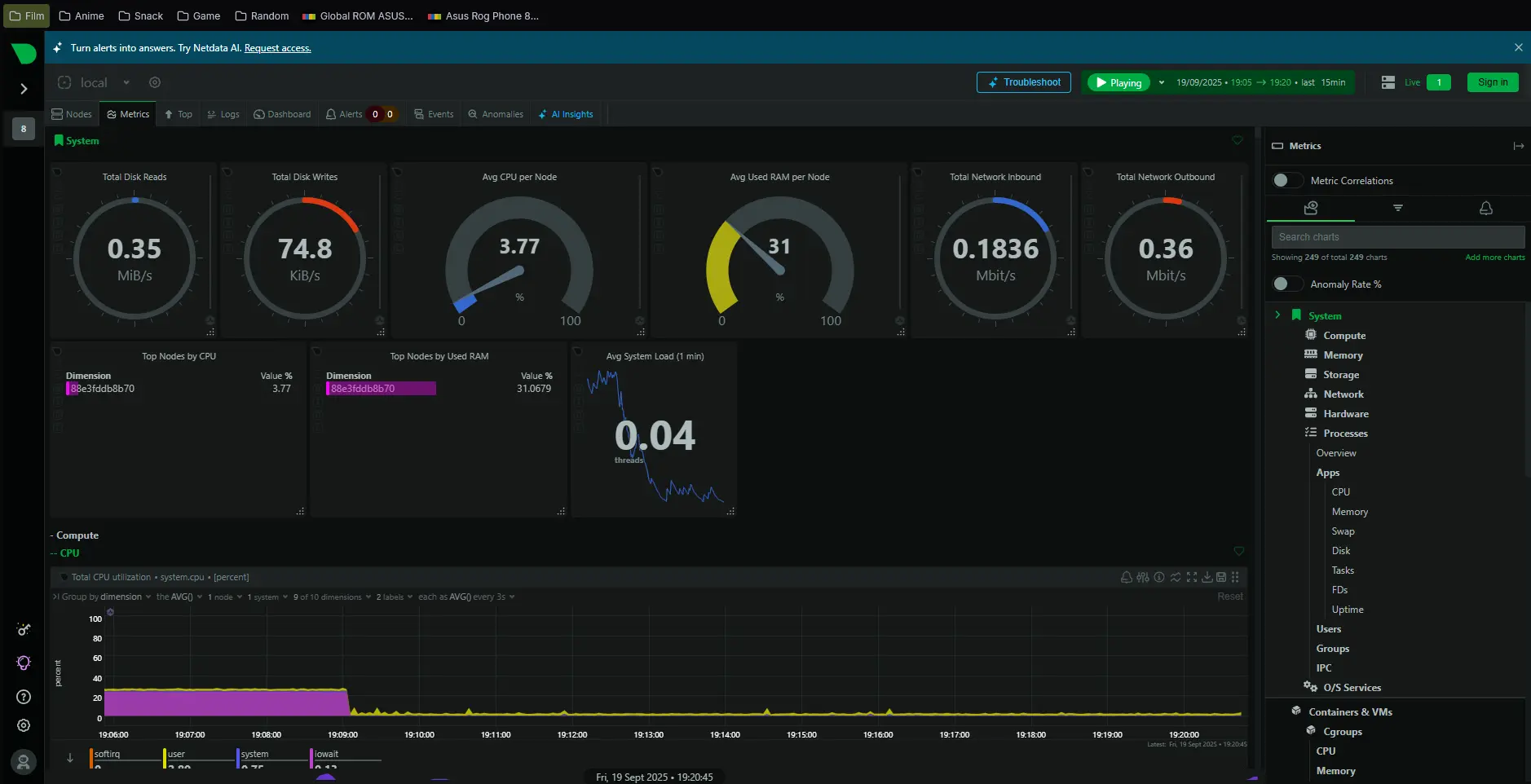
- Netdata (Monitoring)
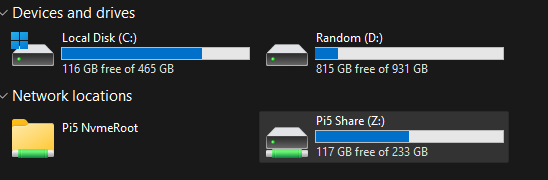
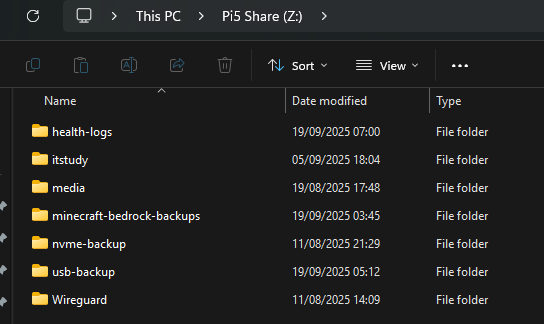
- Samba (File Sharing)
- Wireguard VPN
- DDNS (DuckDNS + NoIP)
Screenshots
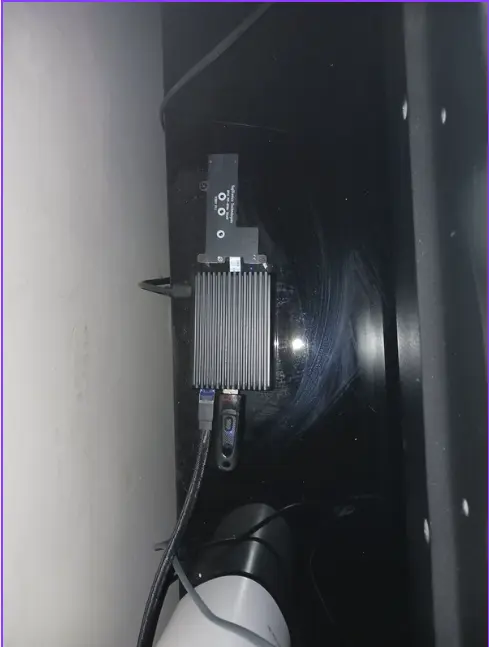
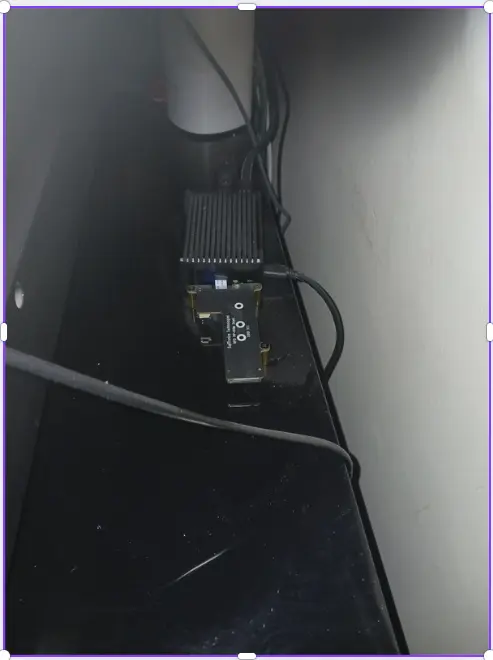
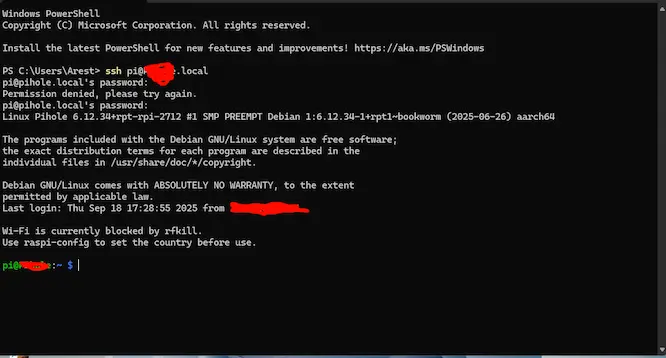
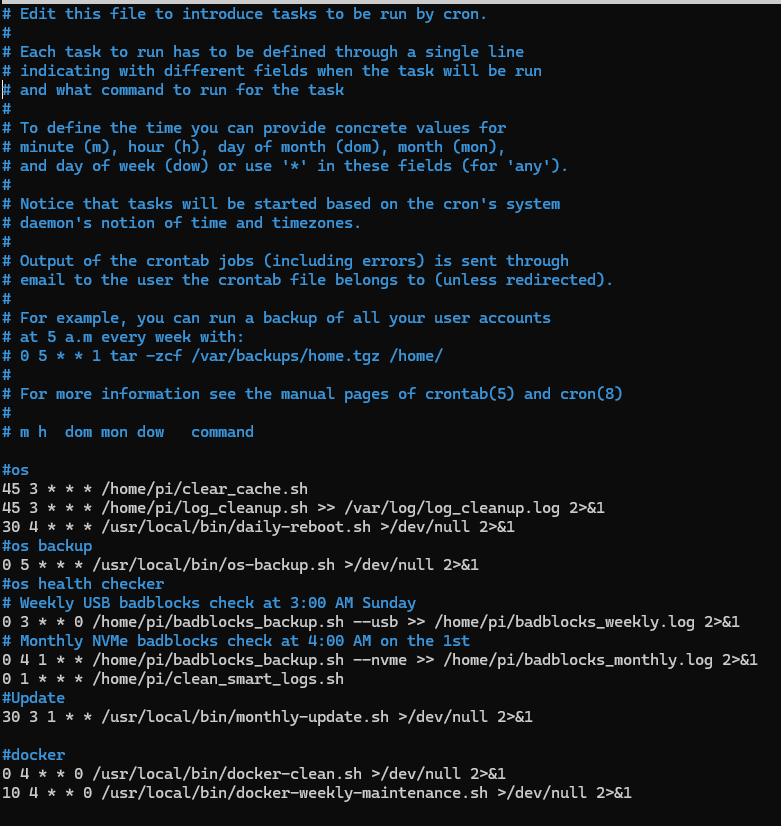
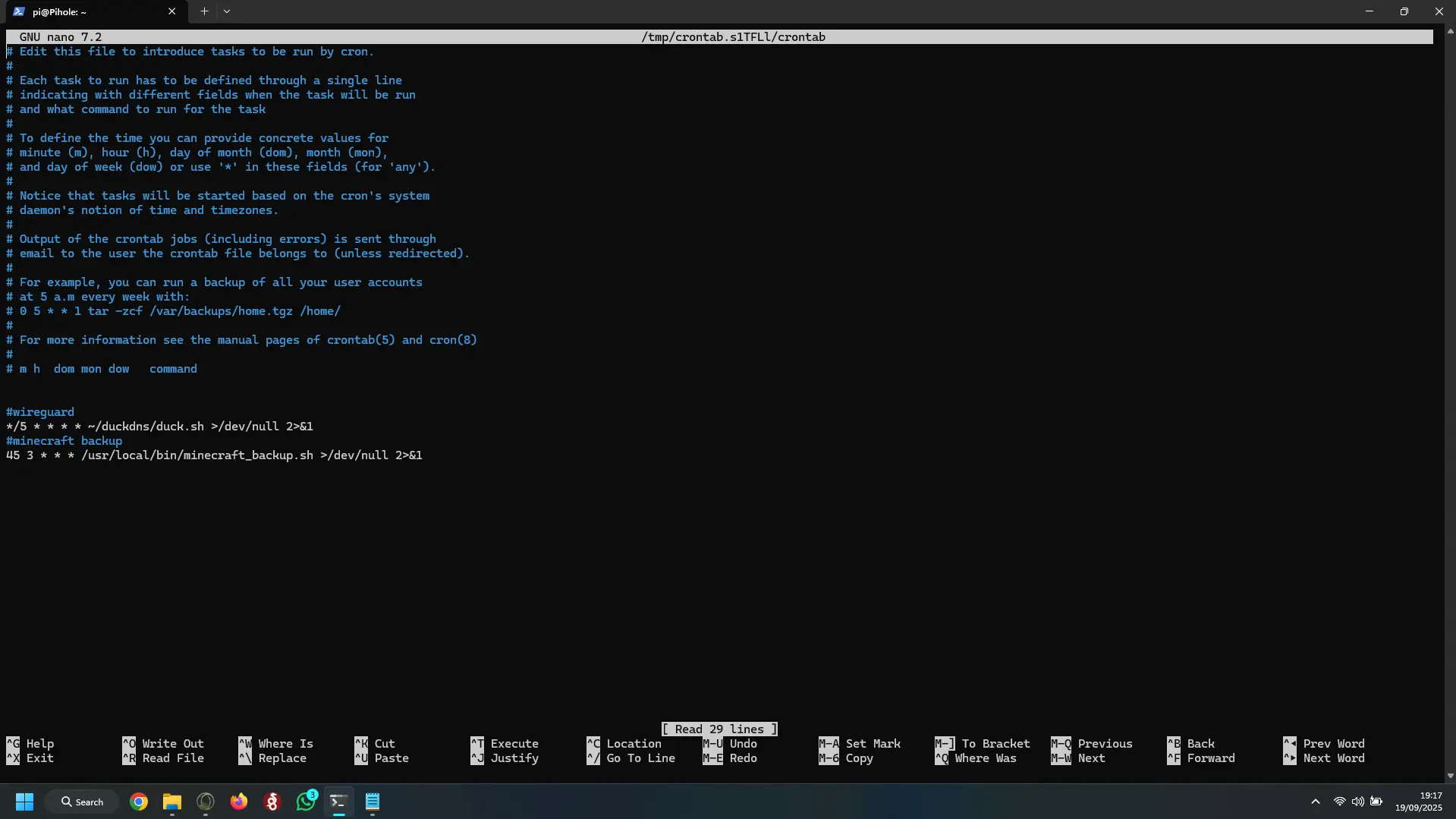
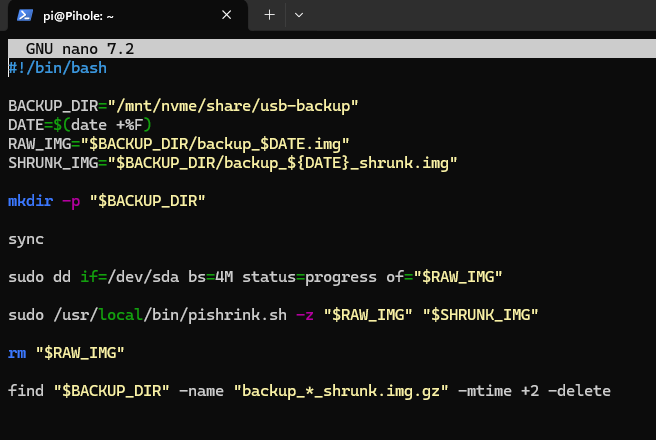
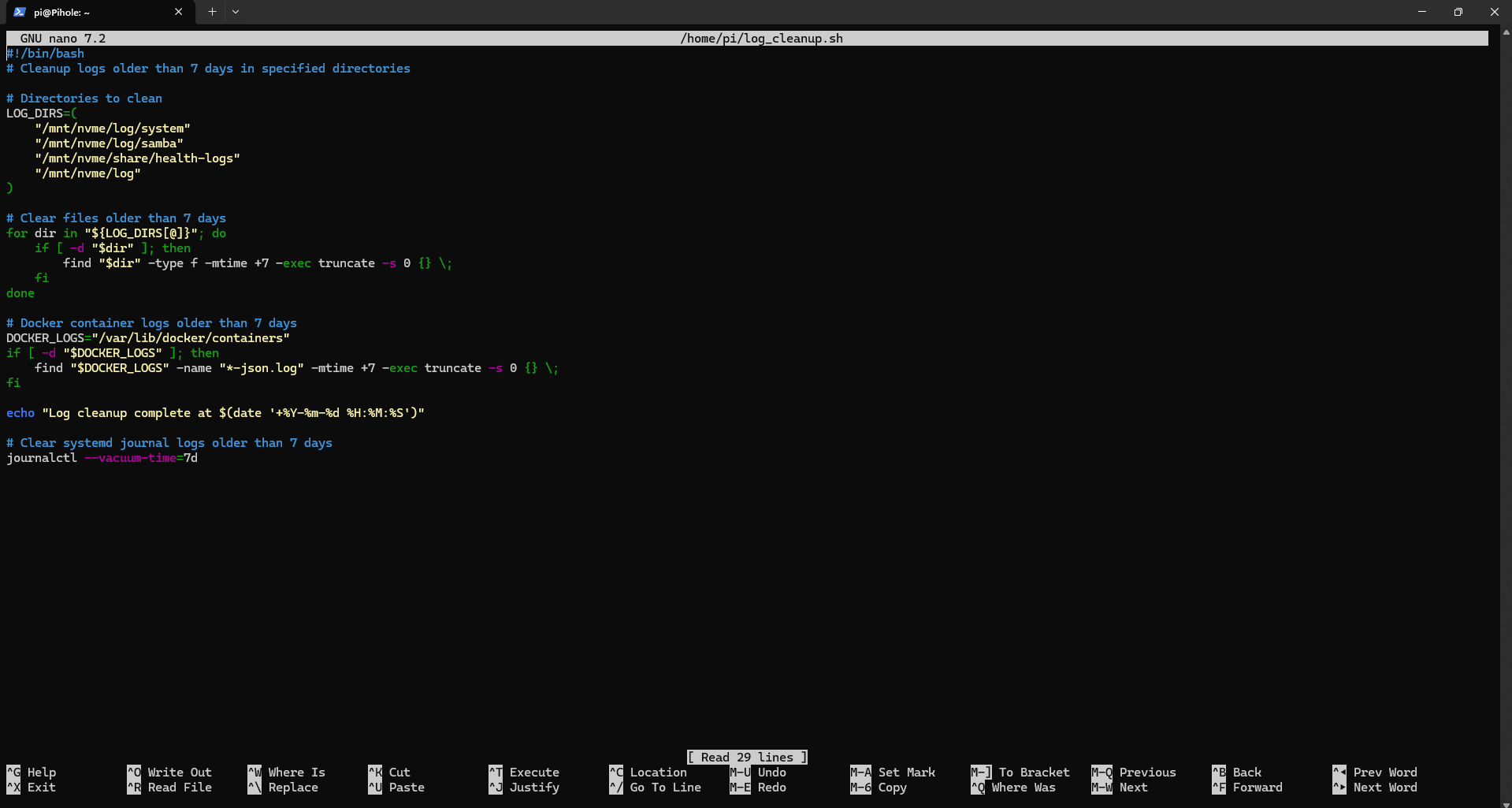
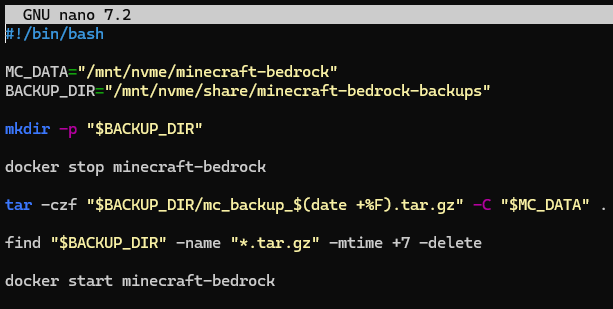
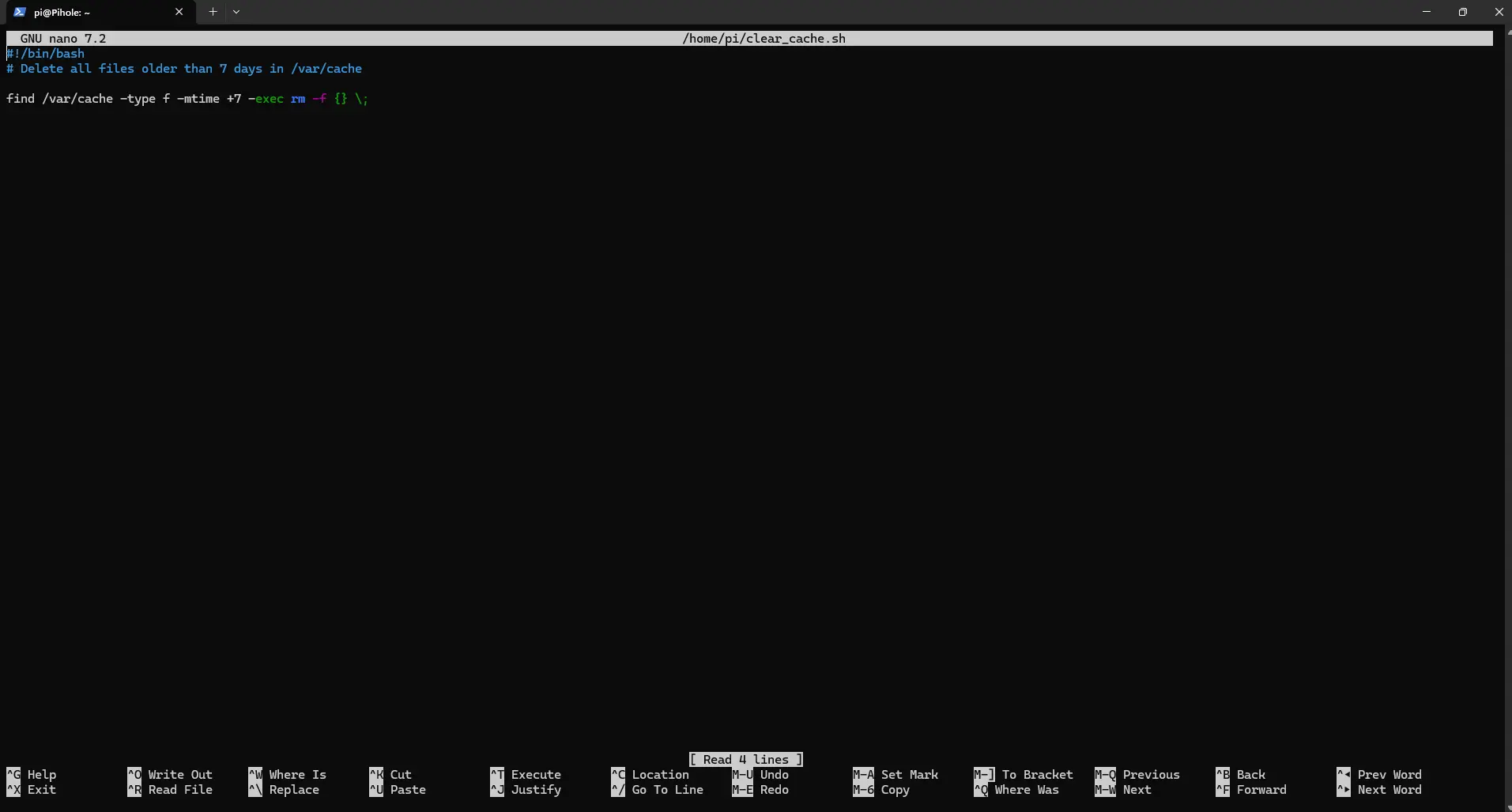
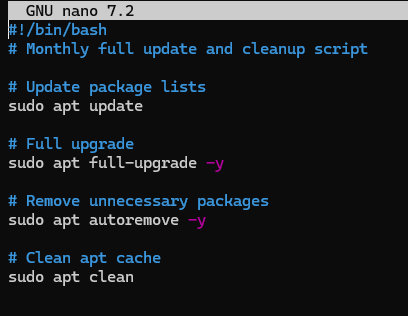
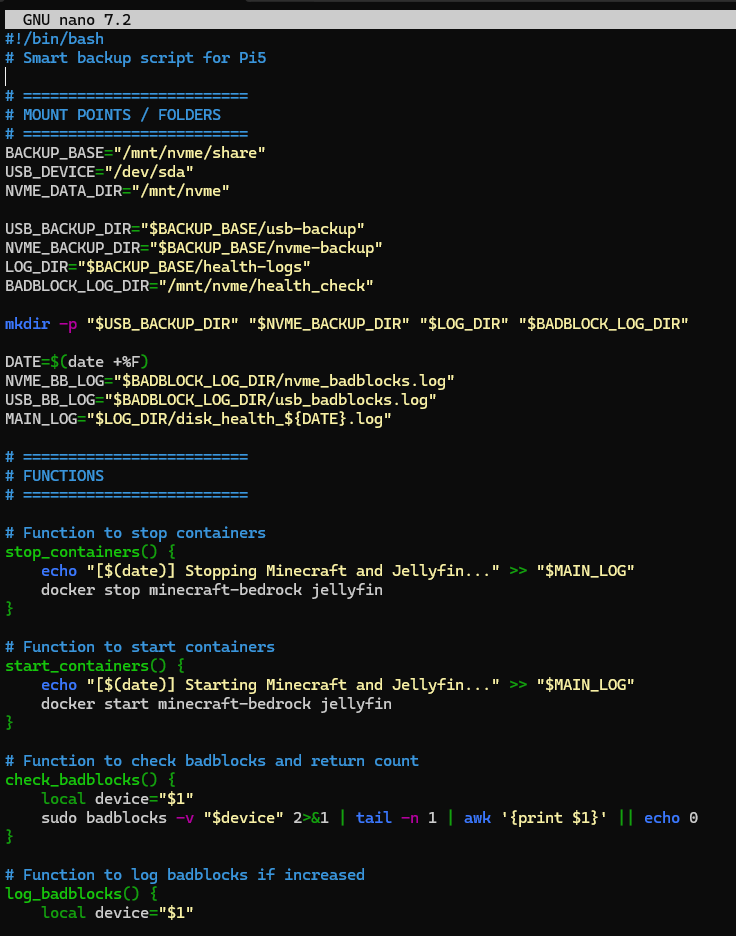
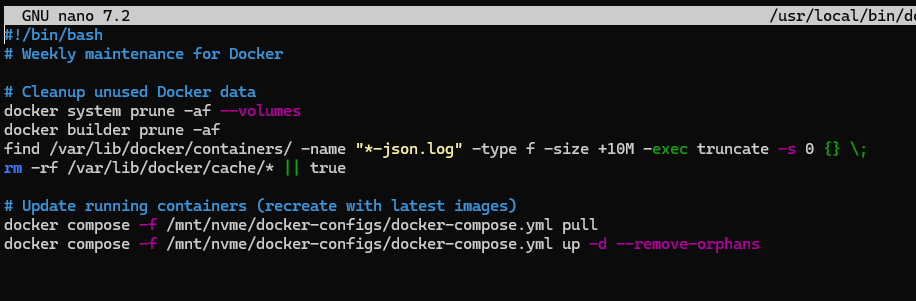

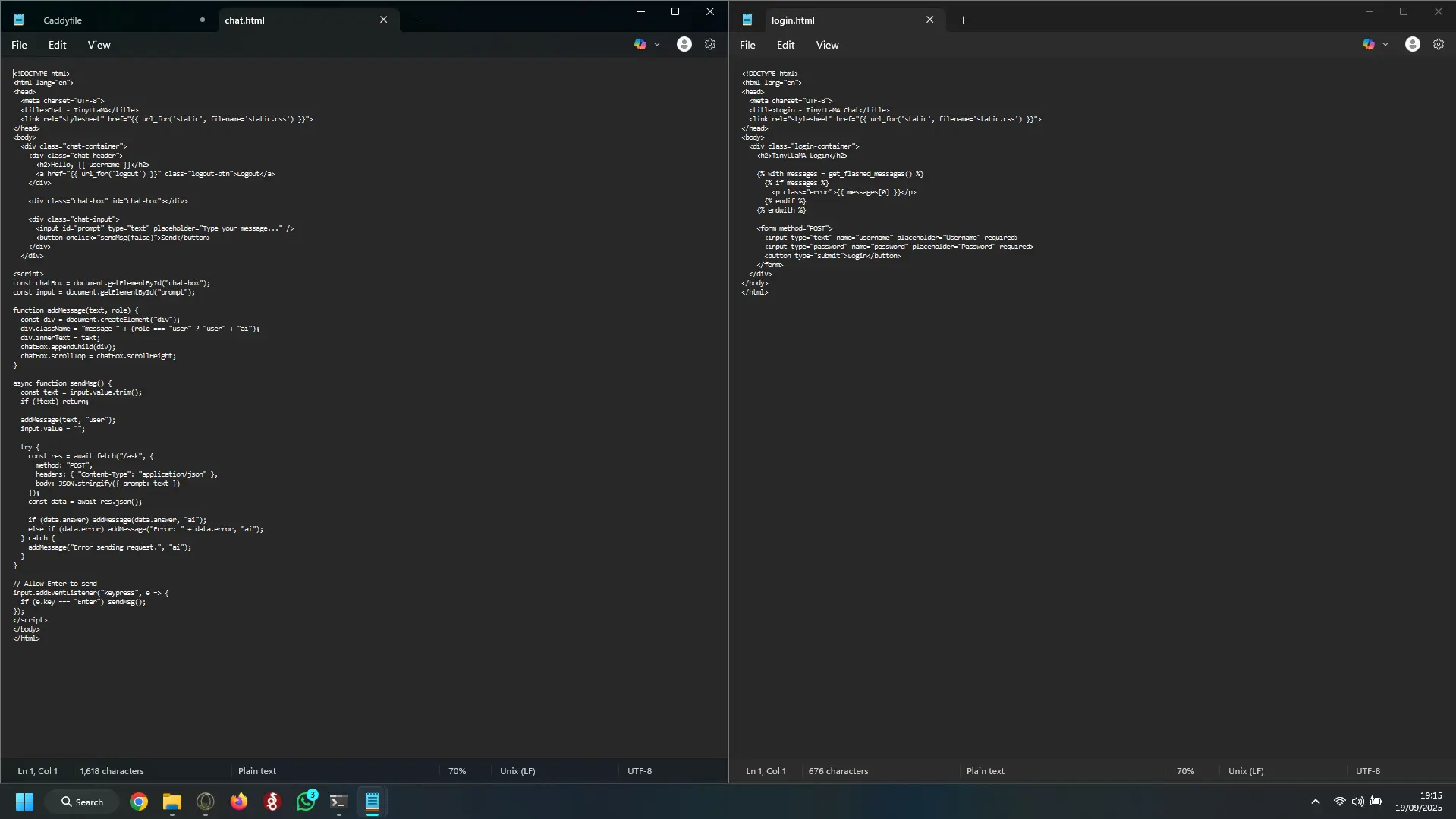
Update-1
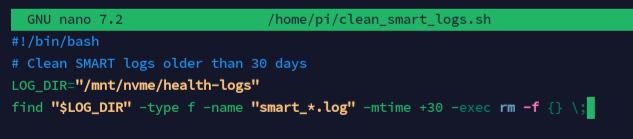
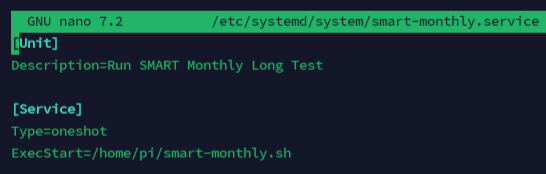
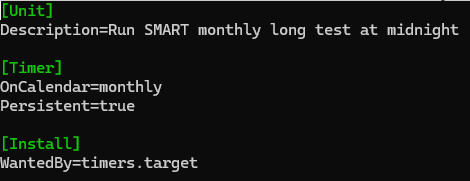
Timeline
Hour 0-40:Trial and error, fix NVME not being recognised, decide on to use raspberry pi OS lite 64bit Unable to figure out how to get the OS to stop breaking and refusing to SSH. I decided to instead have the OS on the USB stick and the NVME for everything else including cache and logs to drastically increase the USB's lifespan.
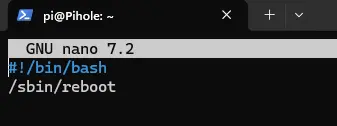
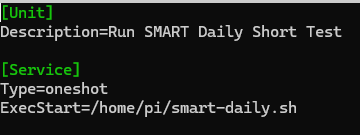
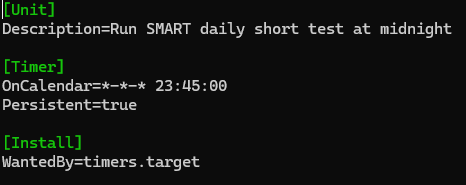
Hour 40-54:Installed pi OS lite 64bit on USB and moved as much of the OS to the NVME to ensure the least amount of wear on the USB. Added automated maintenance scripts to monitor wear on USB and NVME and so I don't have to manually update my services, auto USB backups at Off Peak times, added 1GB swap to NVME with very low swap to ensure that the pi server doesn't just crash when under extremely heavy loads. Setup Docker, Wireguard VPN (PiVPN) and Samba.
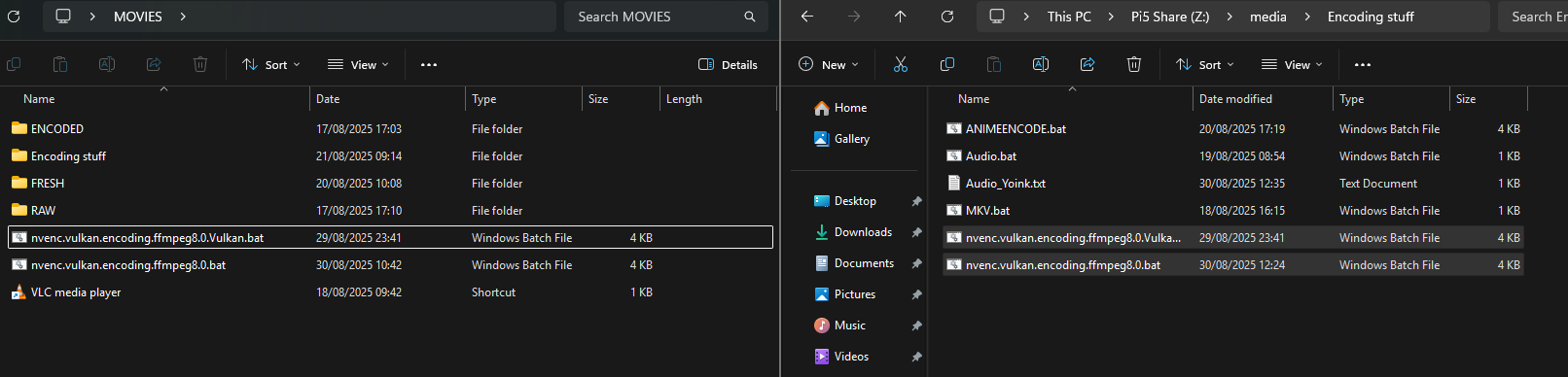
Hour 54+:Built an AI with web access, password protected, Processing films for Jellyfin on a windows pc via FFMPEG (scripts optimized for Nvidia GPUS with support for NVENC + Vulkan for best efficiency). Optimized the maintenance scripts to not overlap and cause crashes or corruption of the Pi server. Surprisingly discovered the USB stick that I found was from 2013 and still had no bad blocks or issues and was basically brand new condition. Note: Health-check-script is currently under maintenance for optimizing, Screenshots may be inacurate
Challenges
- Getting the NVME to be recognised and stable by Pi OS lite
- Correctly applying thermal pads and ribbon cable angle
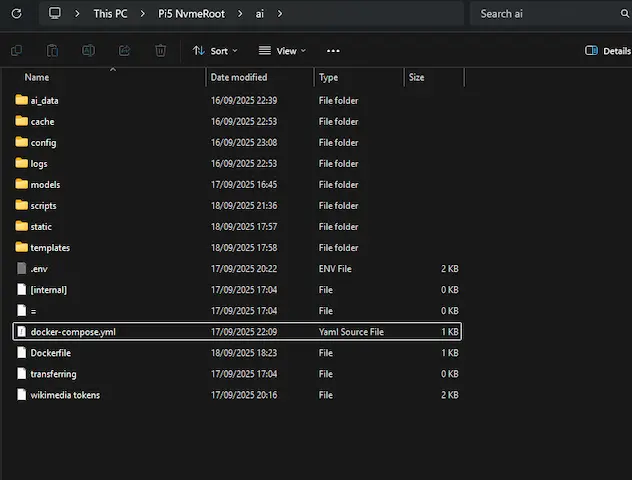
- Losing original Docker Compose and .yml file, and now being unable to edit the stack as a whole
- Balancing RAM limits for services
- Network setup for Wireguard VPN and DDNS
Learning
- How to split OS between USB and NVME to greatly improve efficiency and reliability
- Practical Docker usage and service management with Portainer.
- Losing original Docker Compose and .yml file, and now being unable to edit the stack as a whole
- Balancing RAM limits for services
- Performing day-day maintenance when needed
- Configuring reverse proxy (Caddy) with https for multiple services
- Automate updates and backups with watchtower and custom scripts (Ai made but problem-solving myself)
Services -Explaination
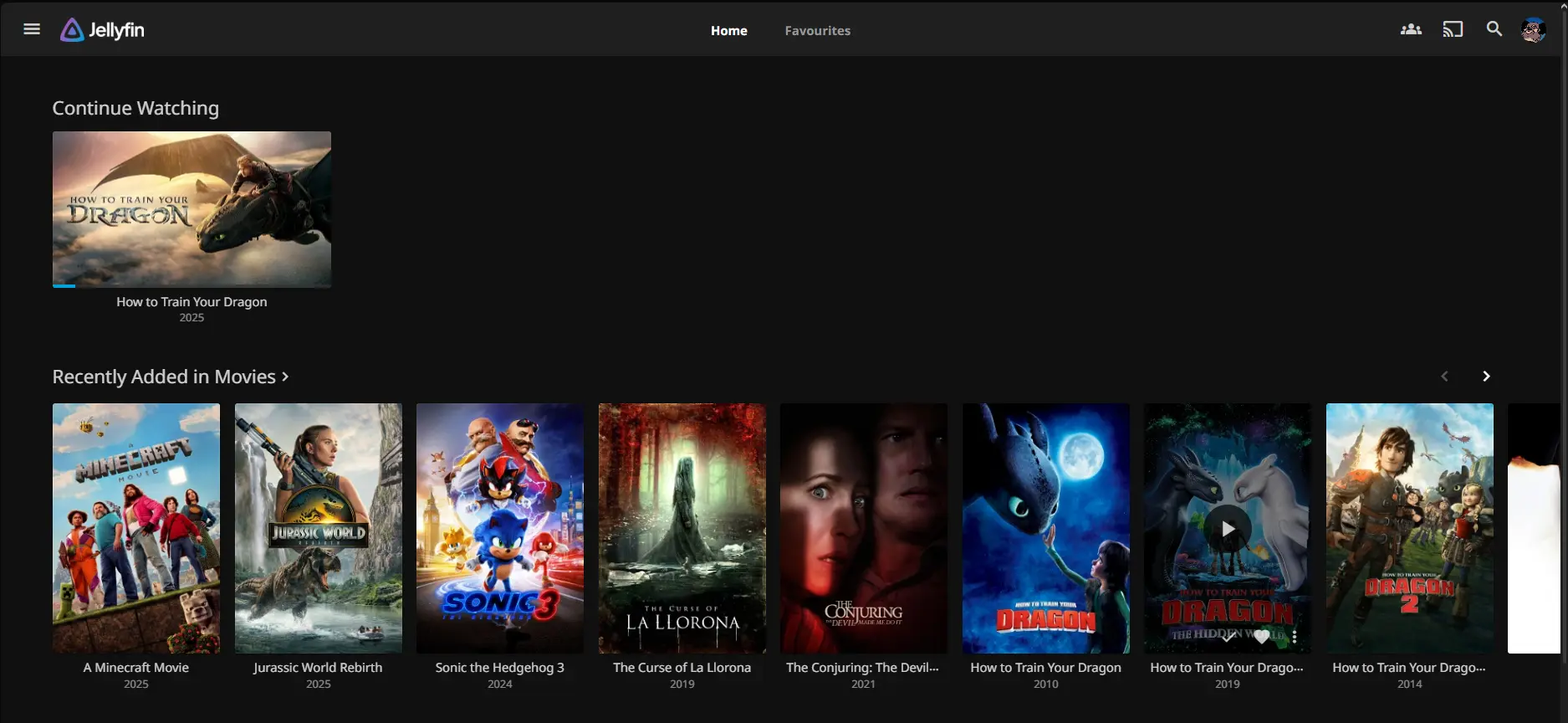
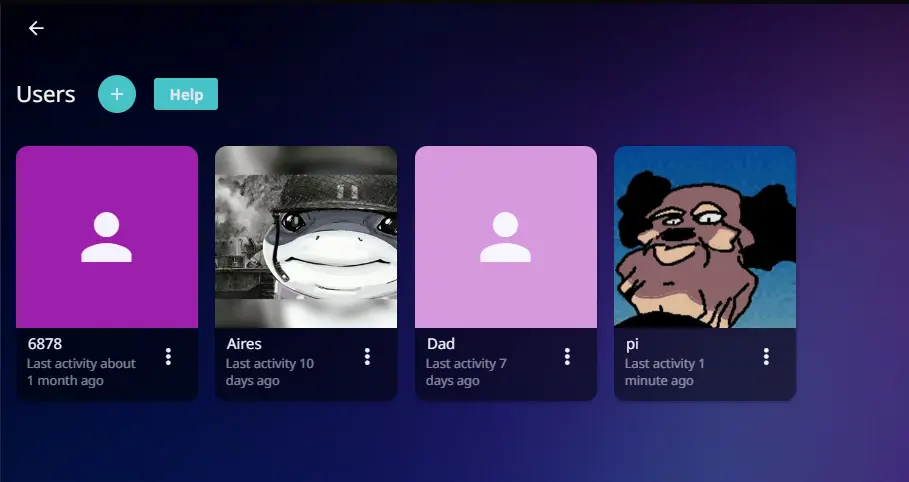
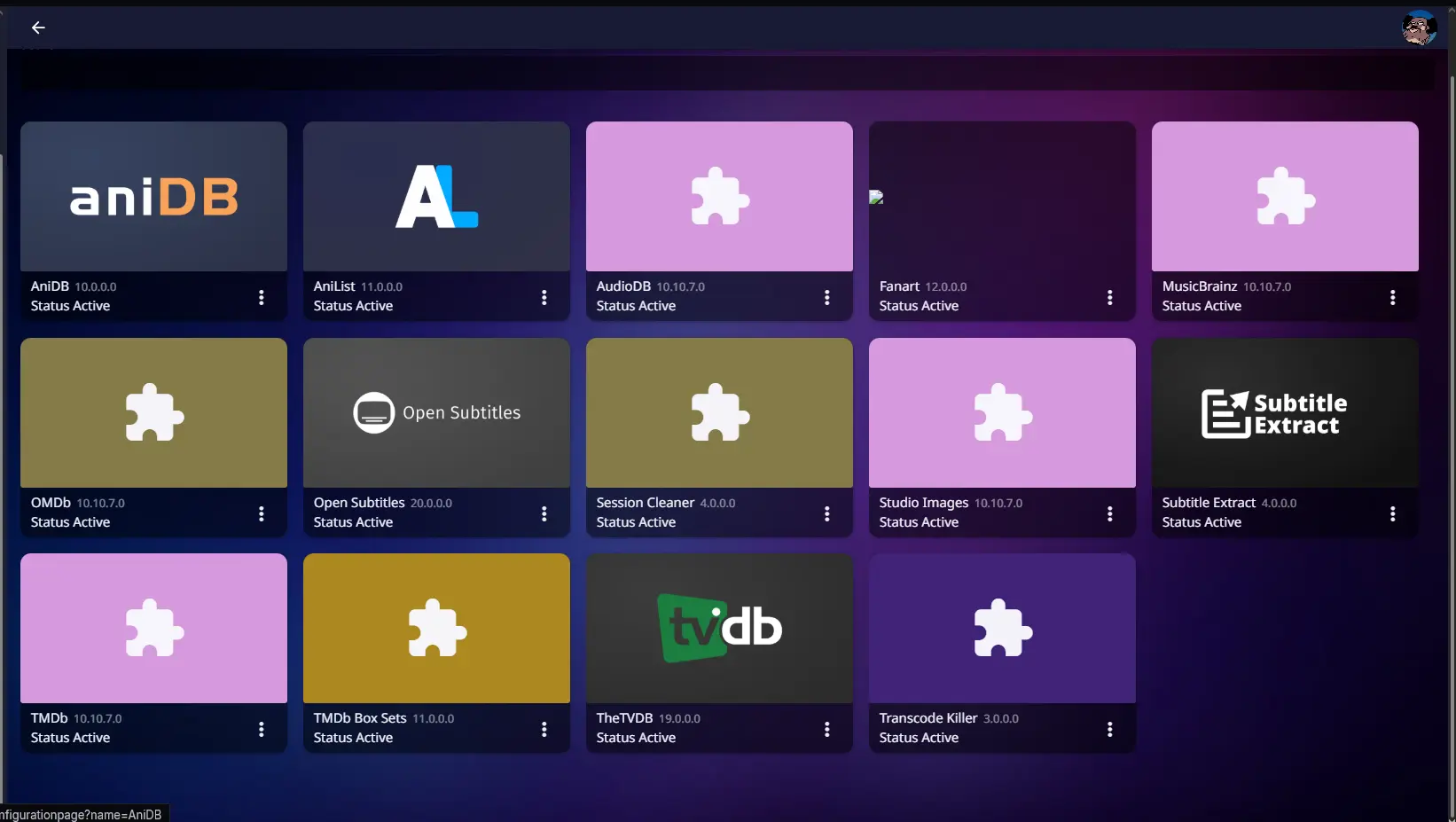
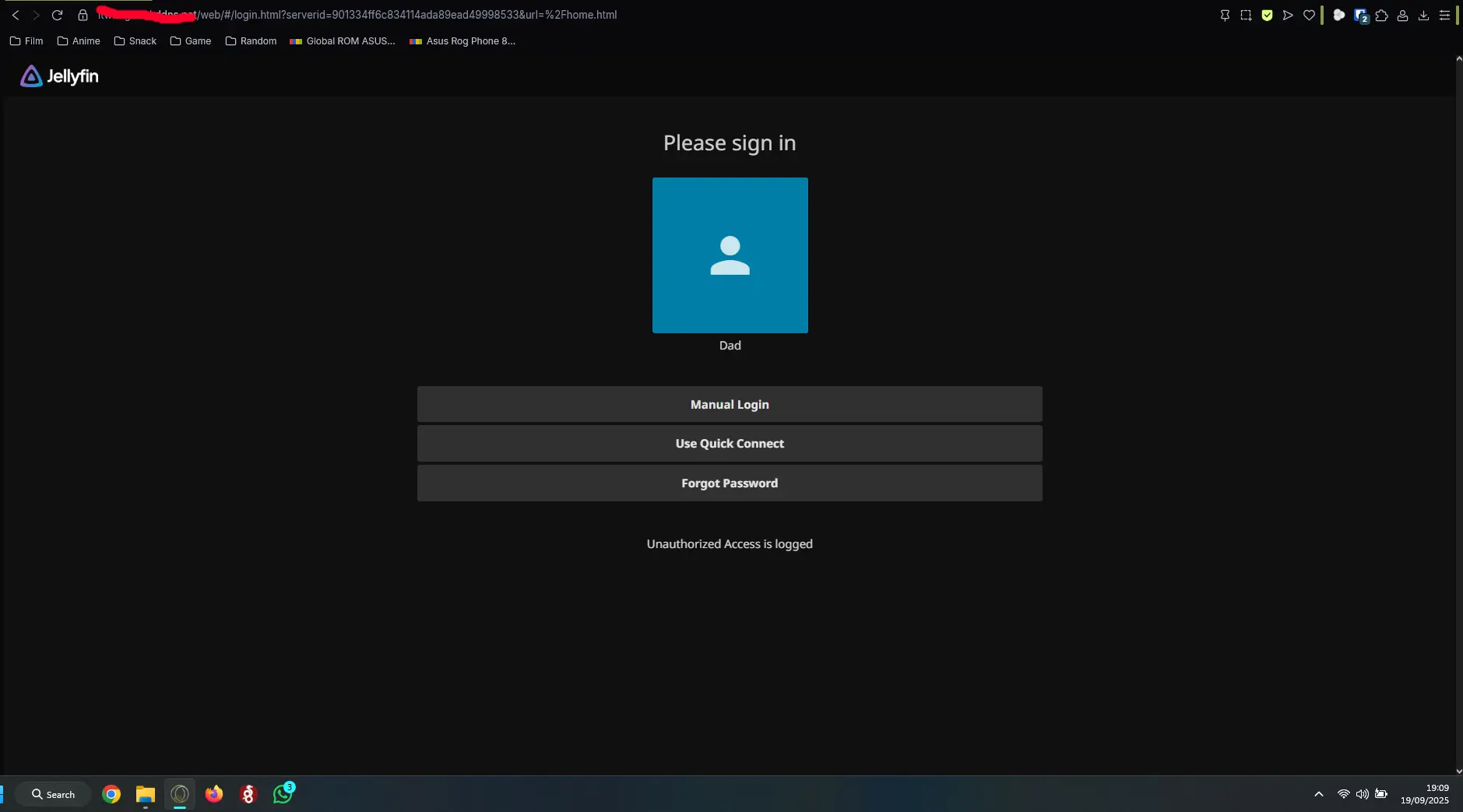
Jellyfin (Media server): Media server for films, enabling easier access abroad. I added multiple plugins for metadata, subtitles, and automatic stopping of transcoding once a session ends, improving usability and performance. The server uses no-IP DDNS for reliable stability and uptime. It runs in a Docker container, making updates automated through Watchtower. The scripts used for encoding and replacing audio are stored in Github. Added live TV access for Jellyfin with free Portuguese channels via M3U Tuner, along with a few other free channels. Note: Live channels are currently under maintenance.
Minecraft Bedrock server:Deployed a self-managed Minecraft Bedrock server using Docker for easy updates and container isolation. Implemented automated daily backups to ensure data integrity, and configured resource limits to maintain stability under load. The server uses NO-IP DDNS for reliable external access.
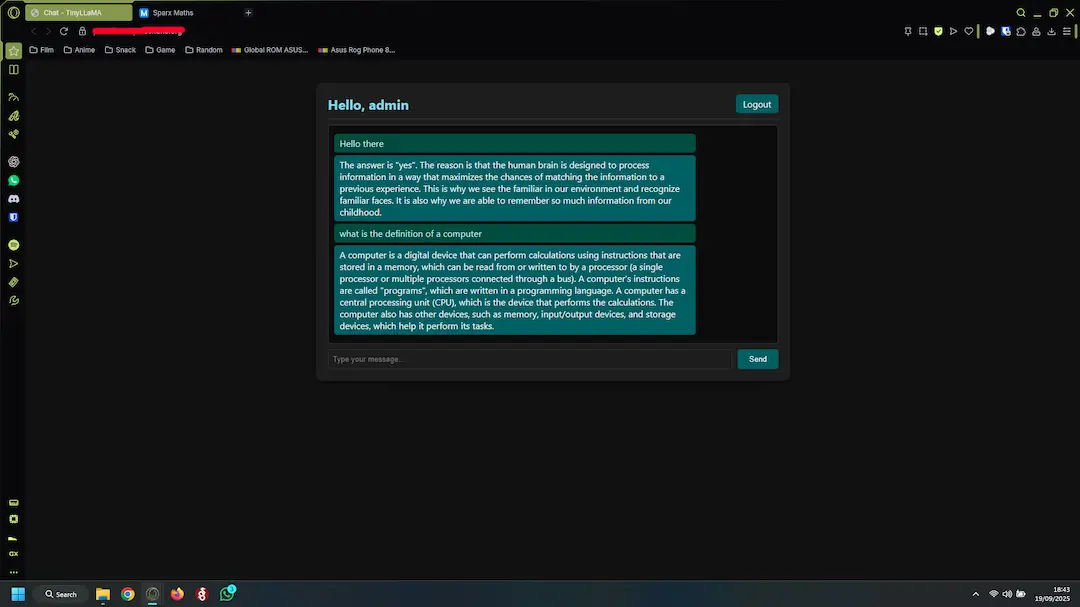
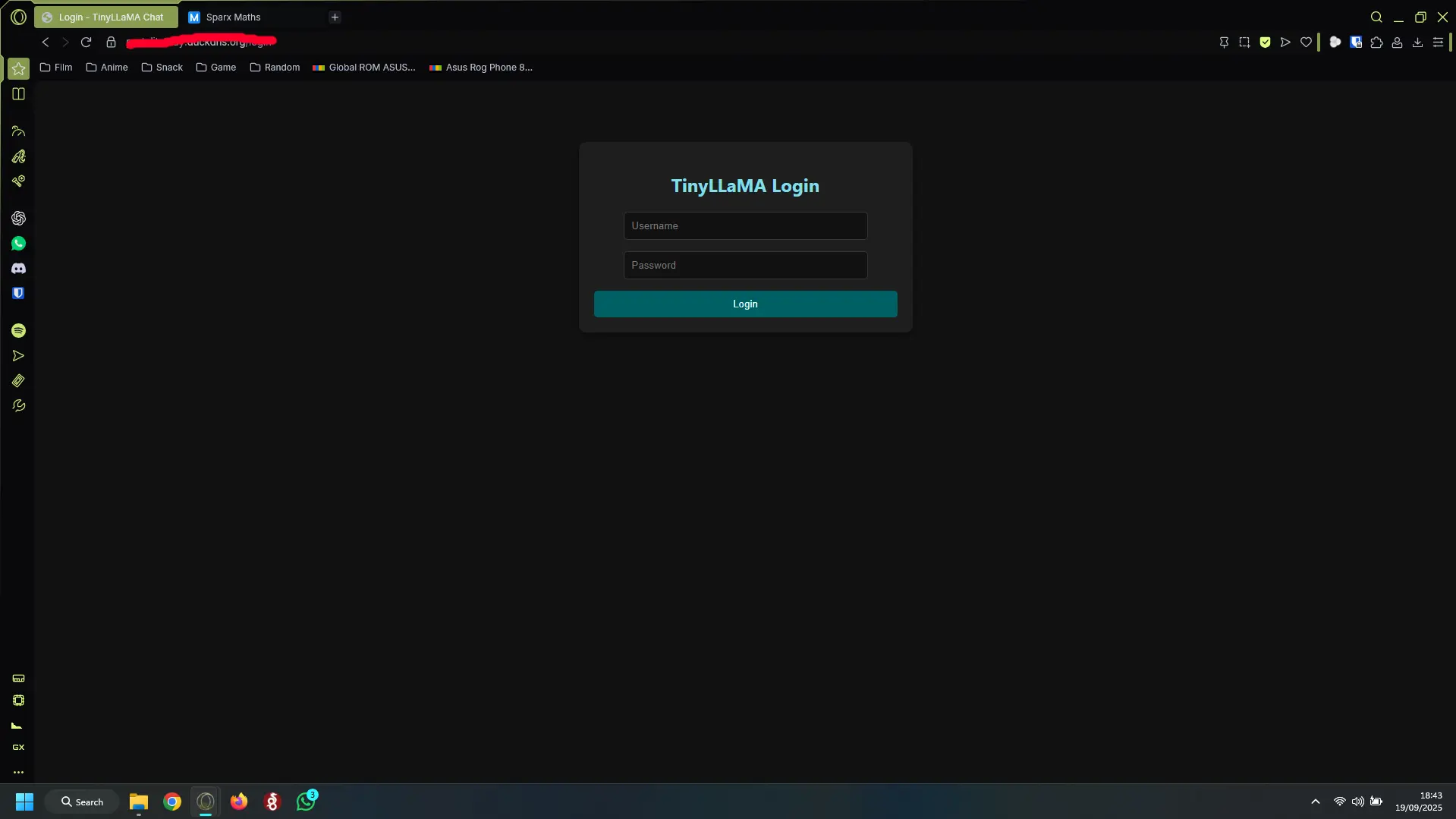
AI Chatbot (Docker + LLaMA.cpp):Developed a custom AI chatbot using Chat GPT for scripting and a custom API for web UI communication. Implemented a secret key and password protection, and deployed behind a Caddy reverse proxy with GZIP for secure HTTPS access. The model used was tinyllama-1.1b-chat-v0.3.Q4_K_M.gguf with 4-bit quantization to stay within memory limits. The scripts and code are stored in Github. This service has been archived as a learning project.
Heimdall (Web UI Dashboard):Application dashboard designed to organize, group and provide quick access to web applications and services from a single UI. I've chosen not to add SSO since I use Bitwarden and it would add unnecessary complications and potential security risks, knowing my luck. It runs a Docker container. It acts like a gateway to the rest of my applications for managing the Pi server and its services.
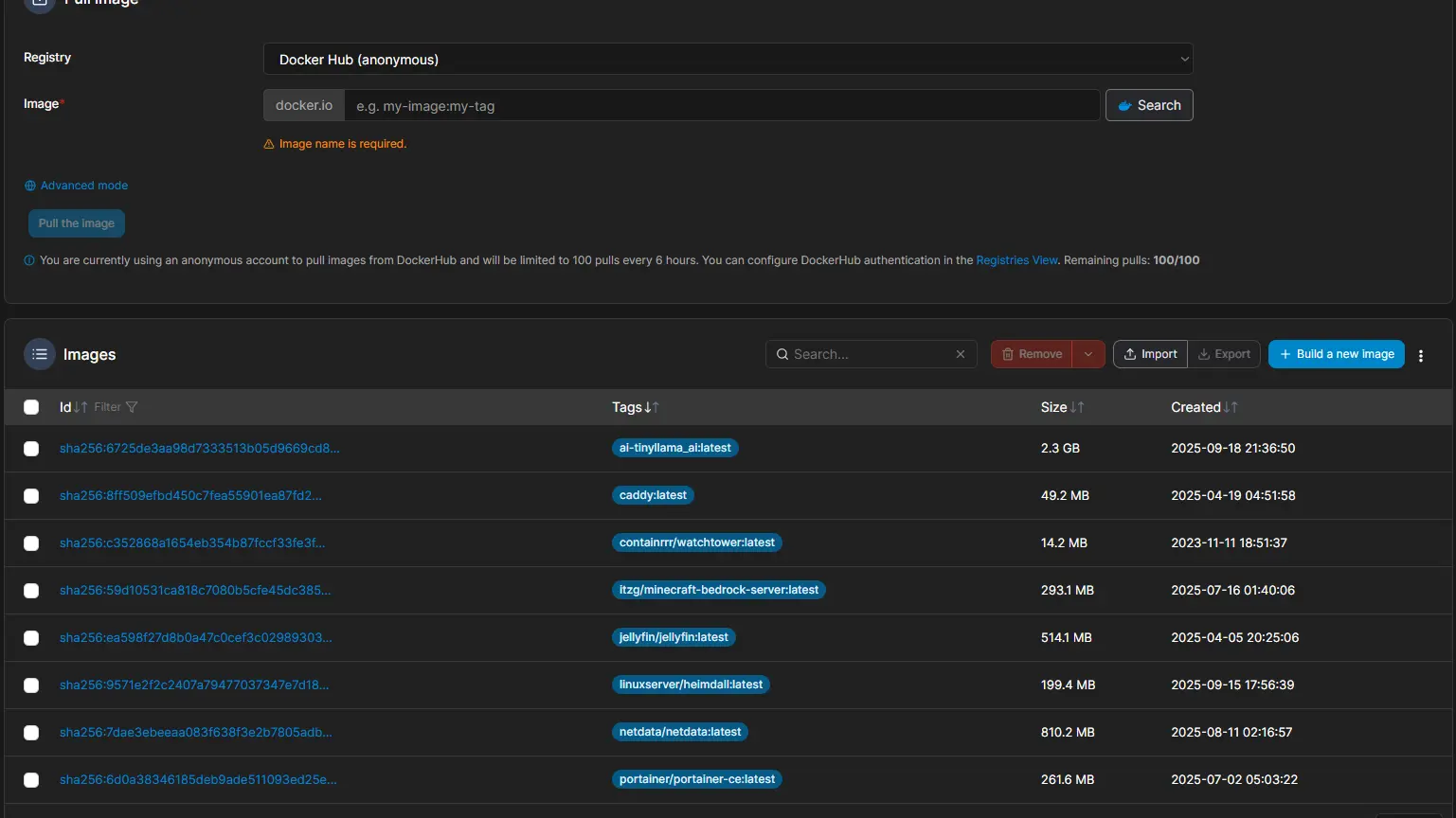
Portainer (Container Management):Used to manage and monitor containers on the server, allowing me to restart, shutdown, or delete old images and containers. Its simple web UI helps keep the server organized. I made the mistake of creating the full stack before setting up Portainer, so I cannot manage the stack as a whole or edit it, and I lost the original .YML file. It has not been recreated yet and likely will not be for some time, as doing so could break the containers.
Watchtower (Auto Updates):A Docker container that automates maintenance by stopping containers, pulling updated images, removing old images, and restarting containers whenever a new version is available. This ensures my server stays up-to-date with minimal manual intervention.
Caddy (Reverse Proxy with HTTPS):Handles HTTPS access for my Jellyfin media server, Troll site, AI chatbot, and this portfolio site, as well as any future services. It ensures secure connections and simplifies management of multiple web services.
Netdata (Monitoring):Monitors system resource usage to ensure efficient operation. It provides detailed metrics on CPU, RAM, and container usage, helping to identify and prevent resource bottlenecks.
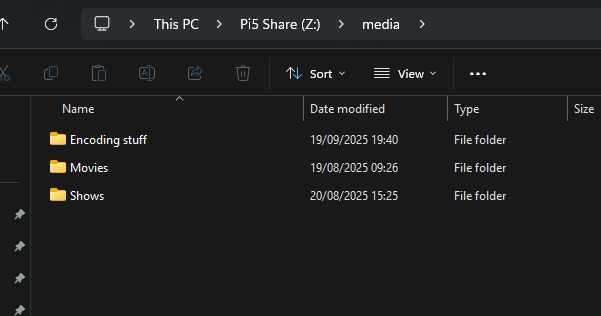
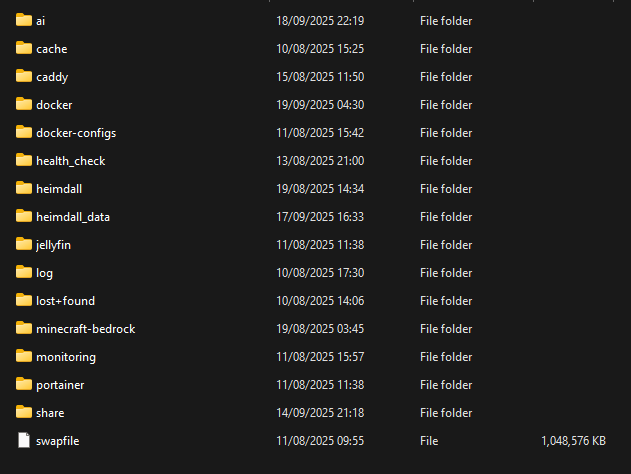
Samba (File Sharing):I chose Samba for its lightweight and easy-to-use setup. An additional layer of security requires a username and password, protecting the home network from unauthorized access. It is used for transferring files from my PC, editing Docker container configurations, and updating hosted webpages, including the AI web UI.
Wireguard VPN:I set up a Wireguard VPN using PiVPN for easier initial configuration and ongoing management. UDP port 51820 was port-forwarded to allow external access, and a DDNS service was used on the endpoint to handle dynamic public IPs. This setup provides secure home access to services that do not have dedicated DDNS or port forwarding configured.
DDNS (DuckDNS + NoIP):I use DuckDNS for non-essential services such as my troll site and portfolio site, with a script that checks every 5 minutes for changes to my public IP. For essential services like Wireguard, as well as Jellyfin and the Minecraft Bedrock server, I use NO-IP. I chose NO-IP for its robust performance, reliability, and anycast network. The only limitation is that the free tier provides one hostname, but additional hostnames are inexpensive (£2.99/month for 3) and fully support automated dynamic updates.